
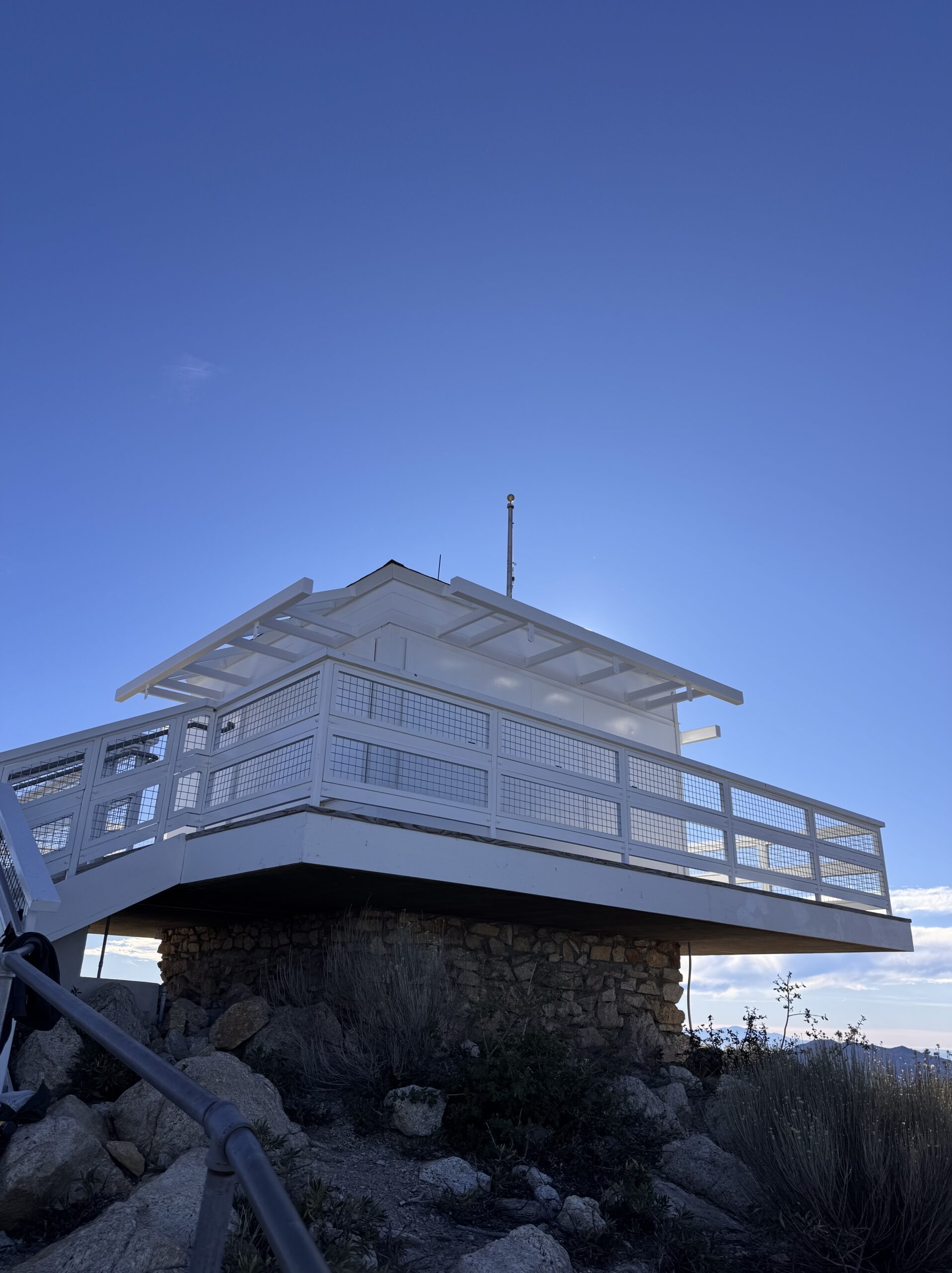
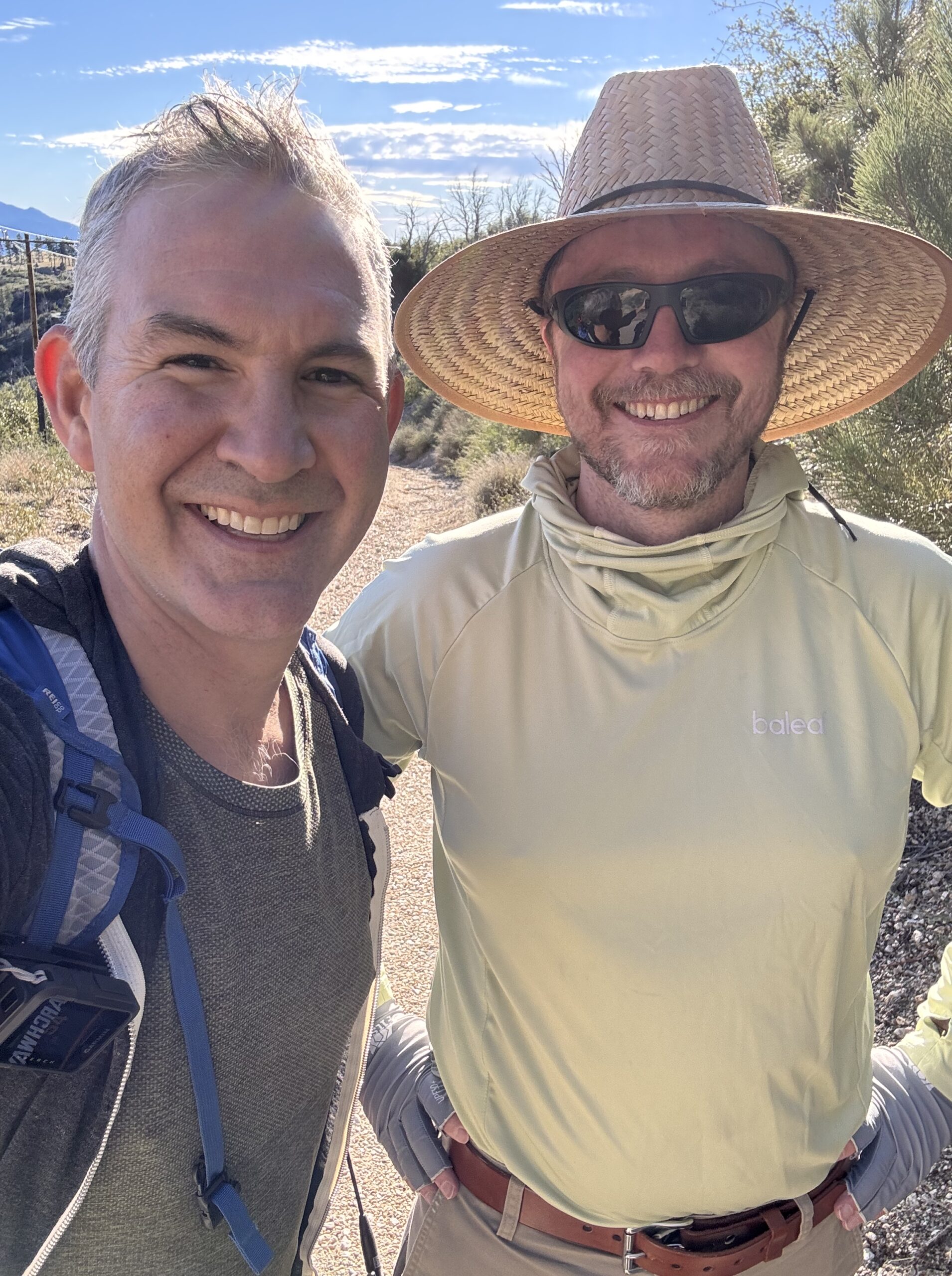
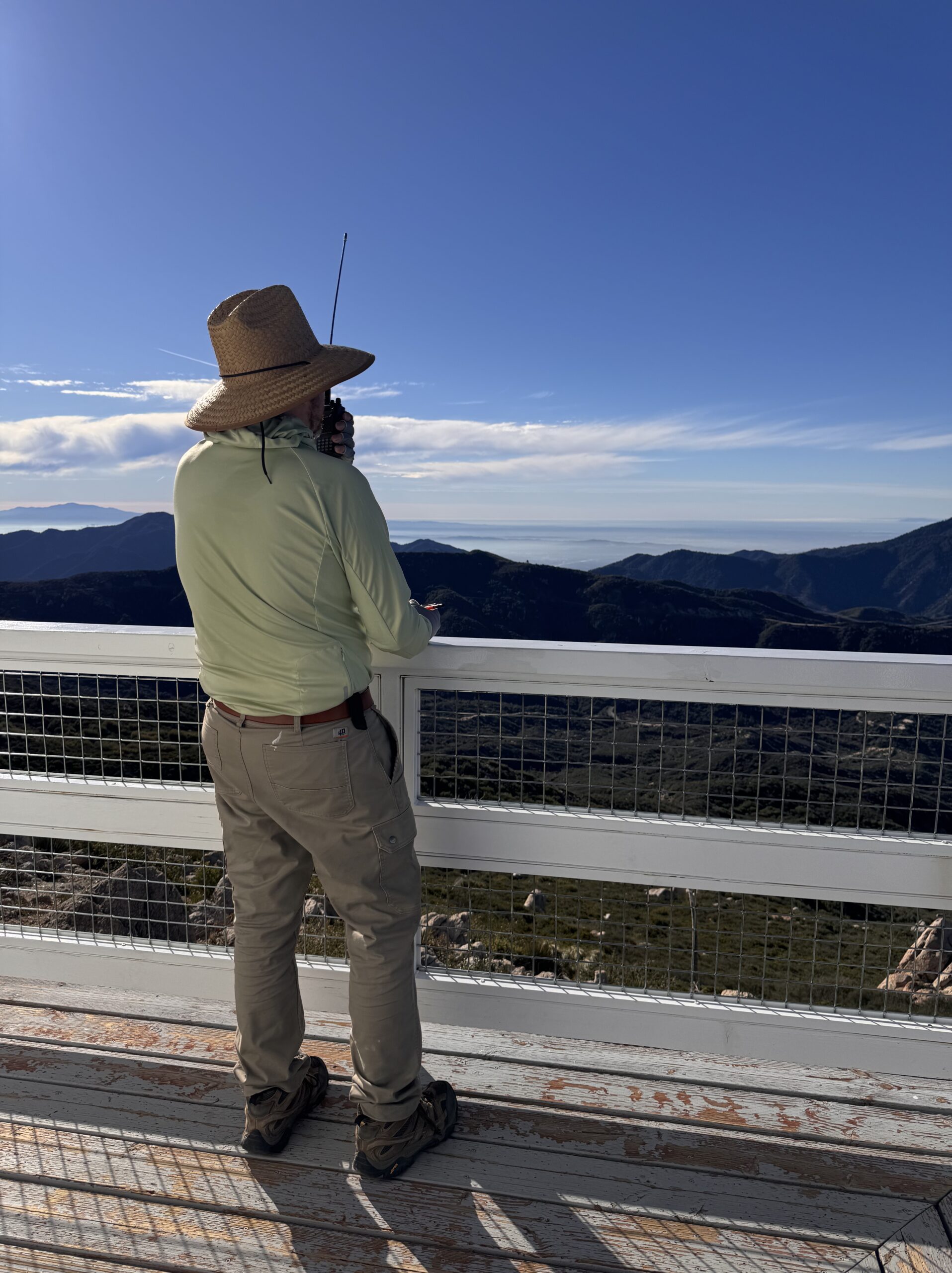
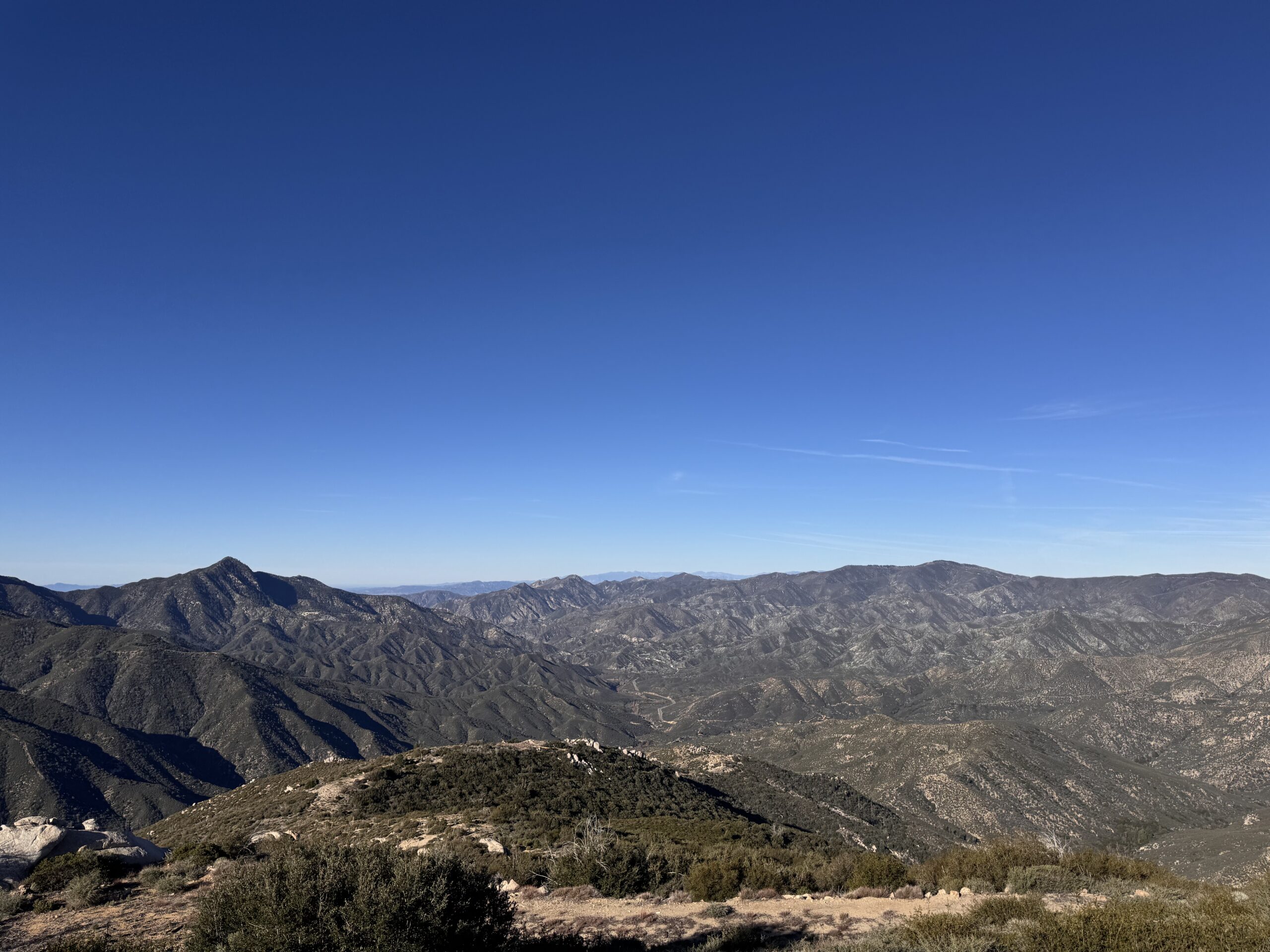
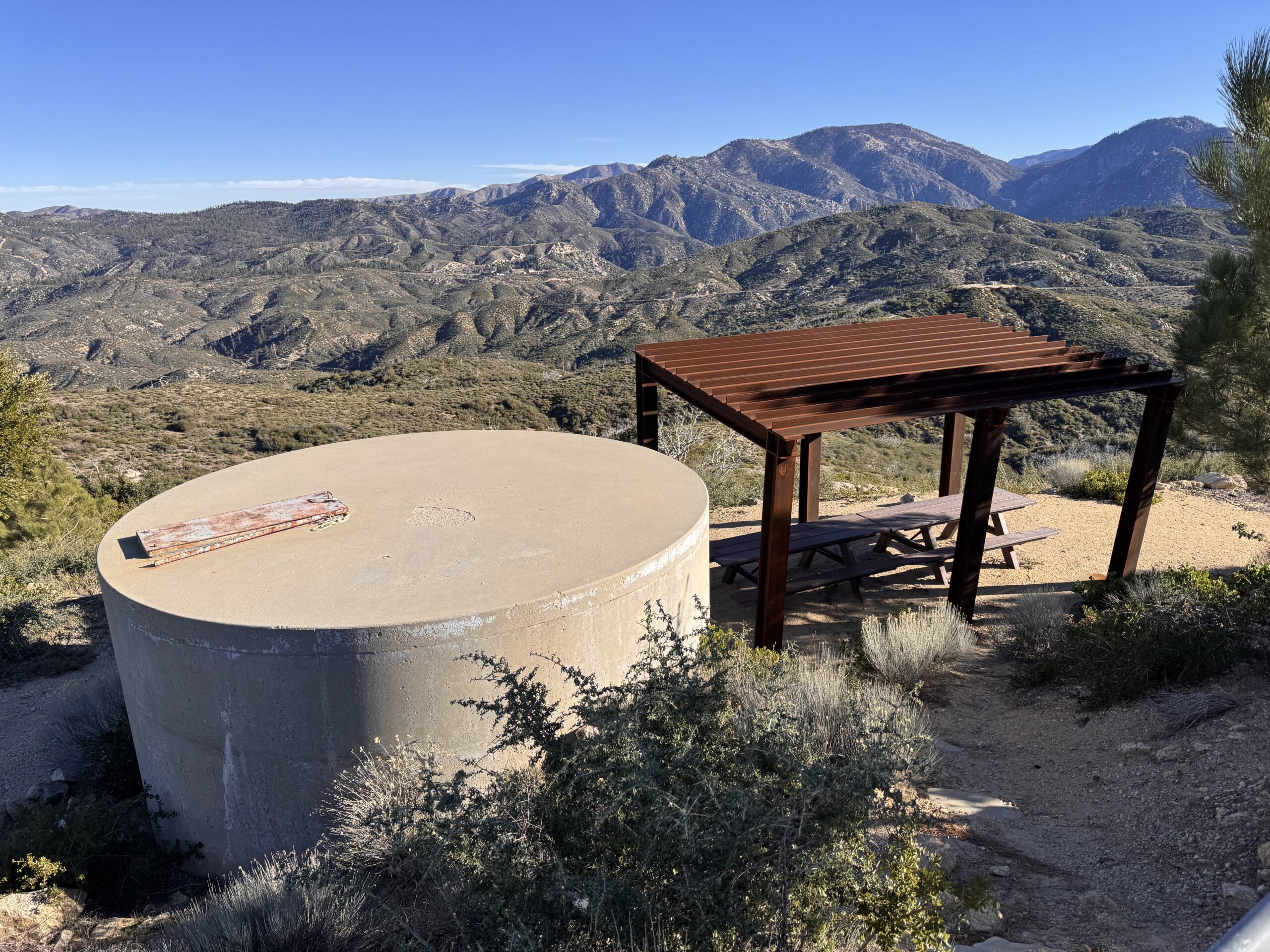
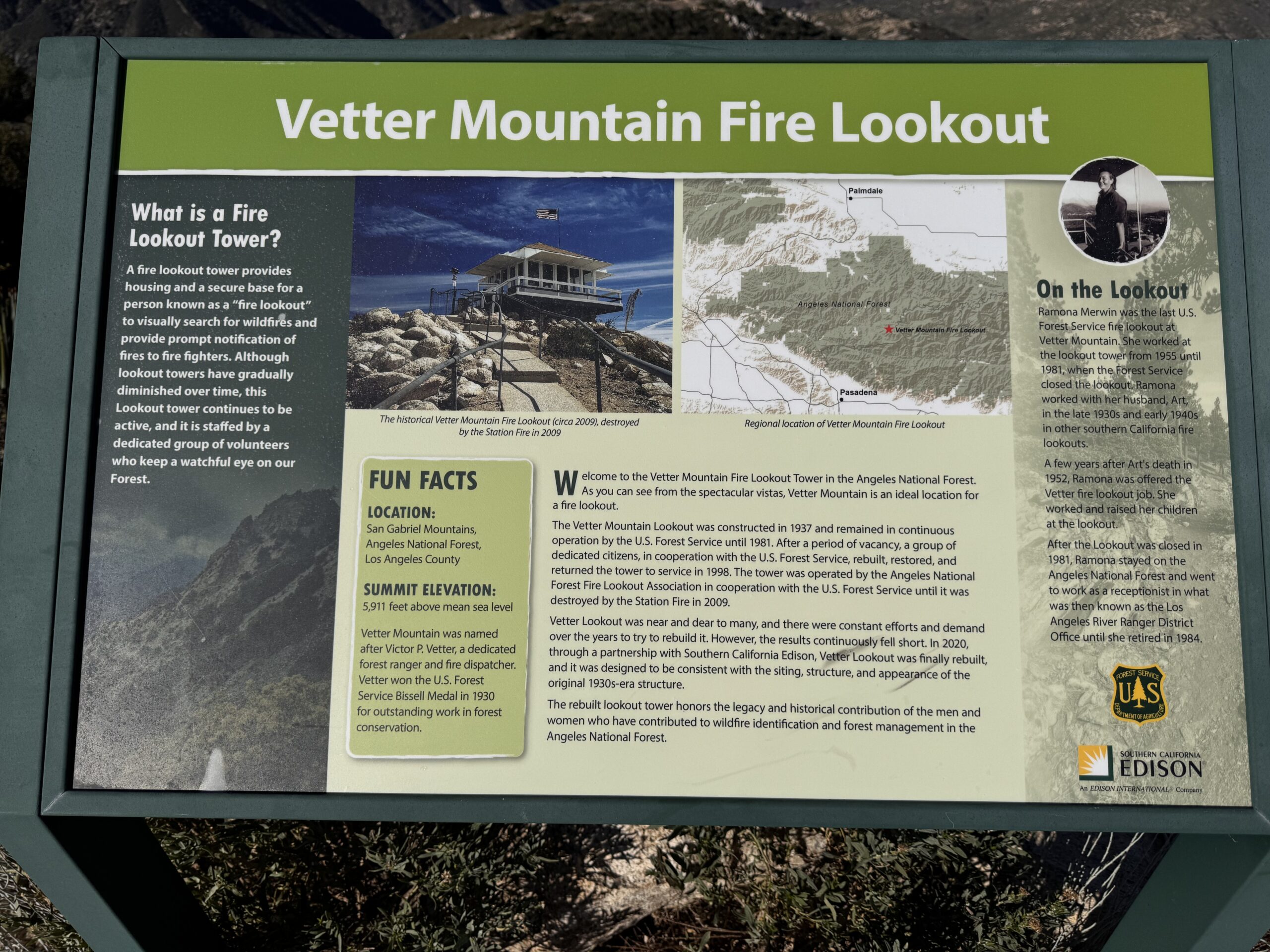
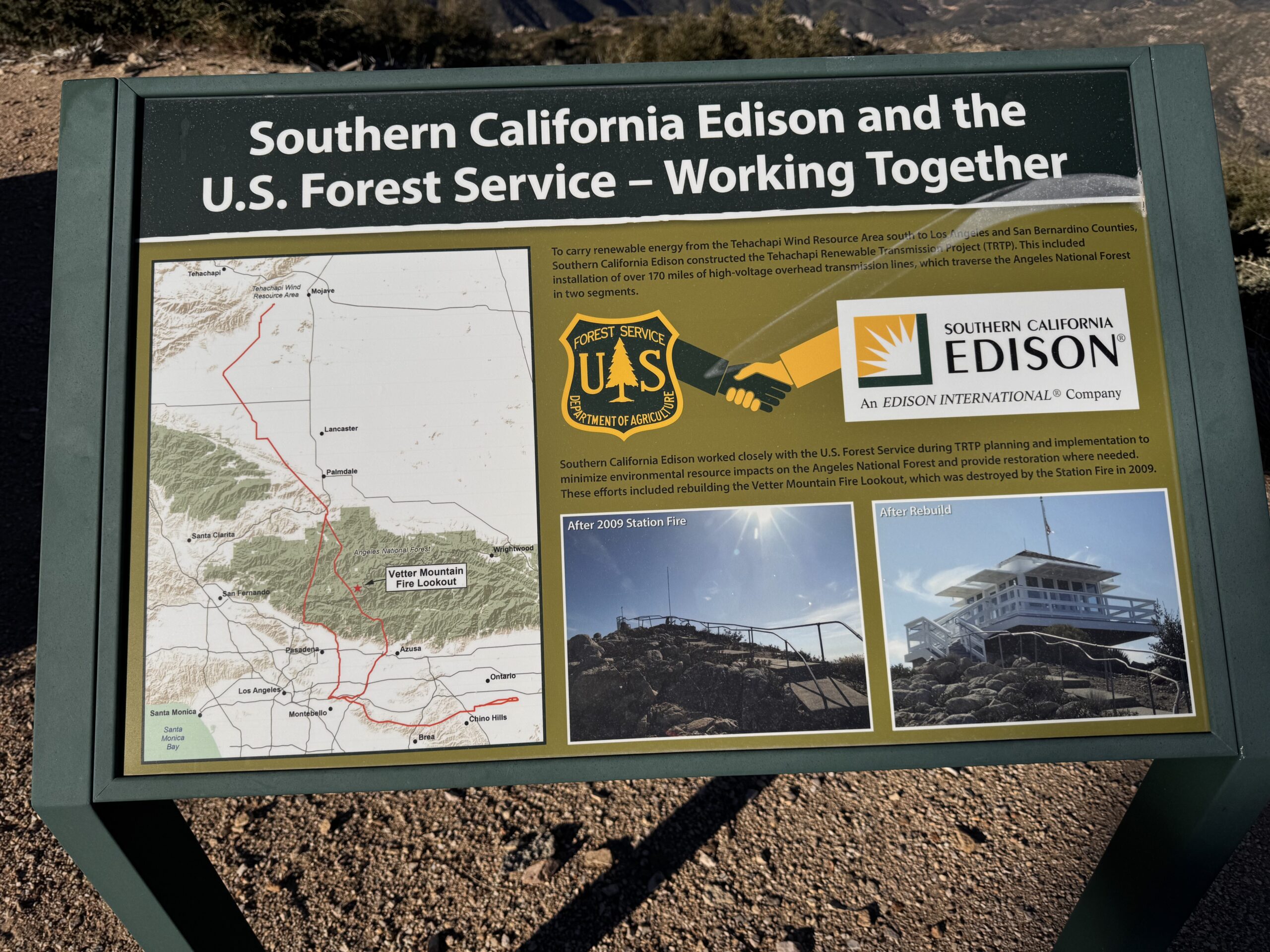
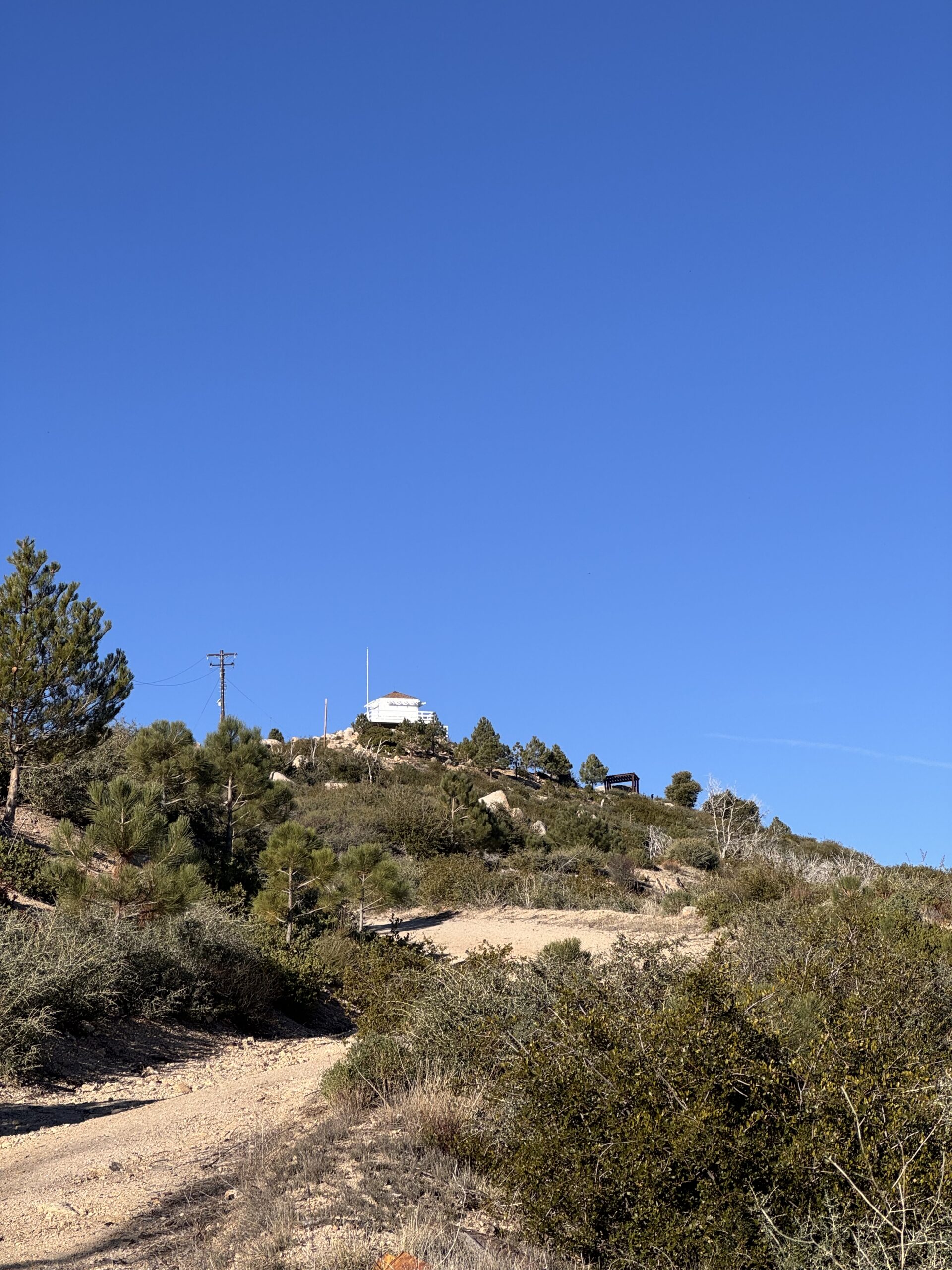
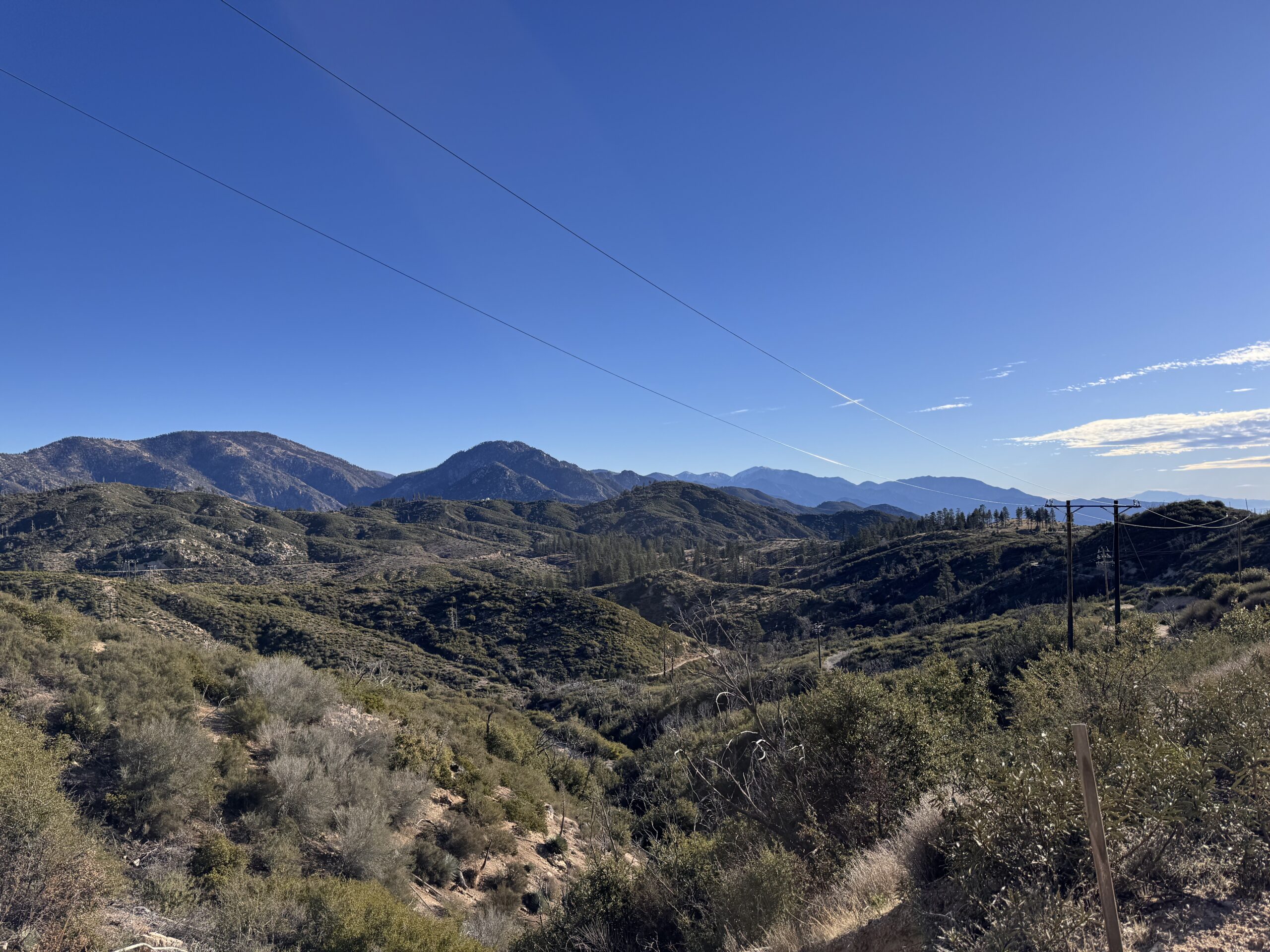
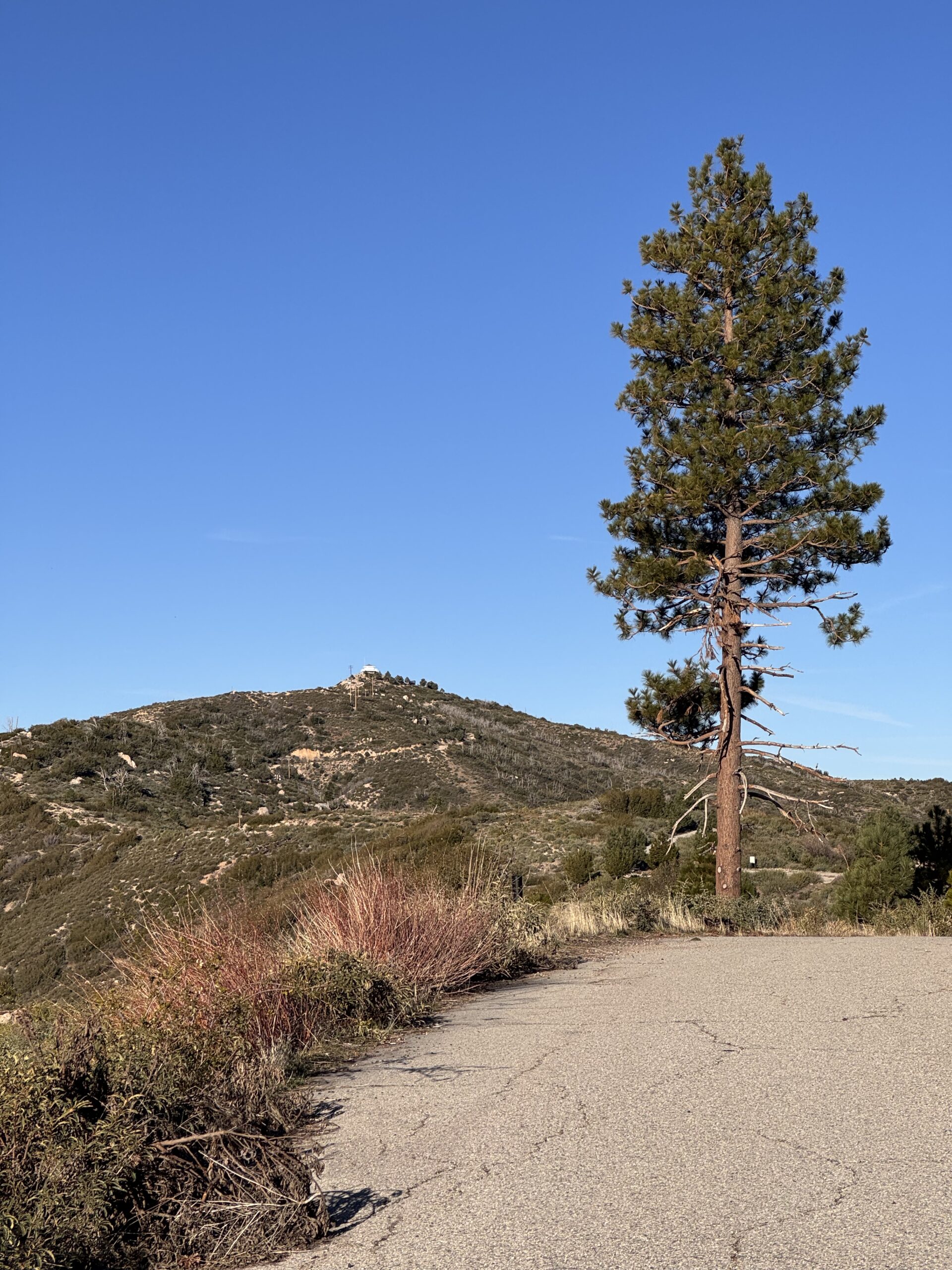
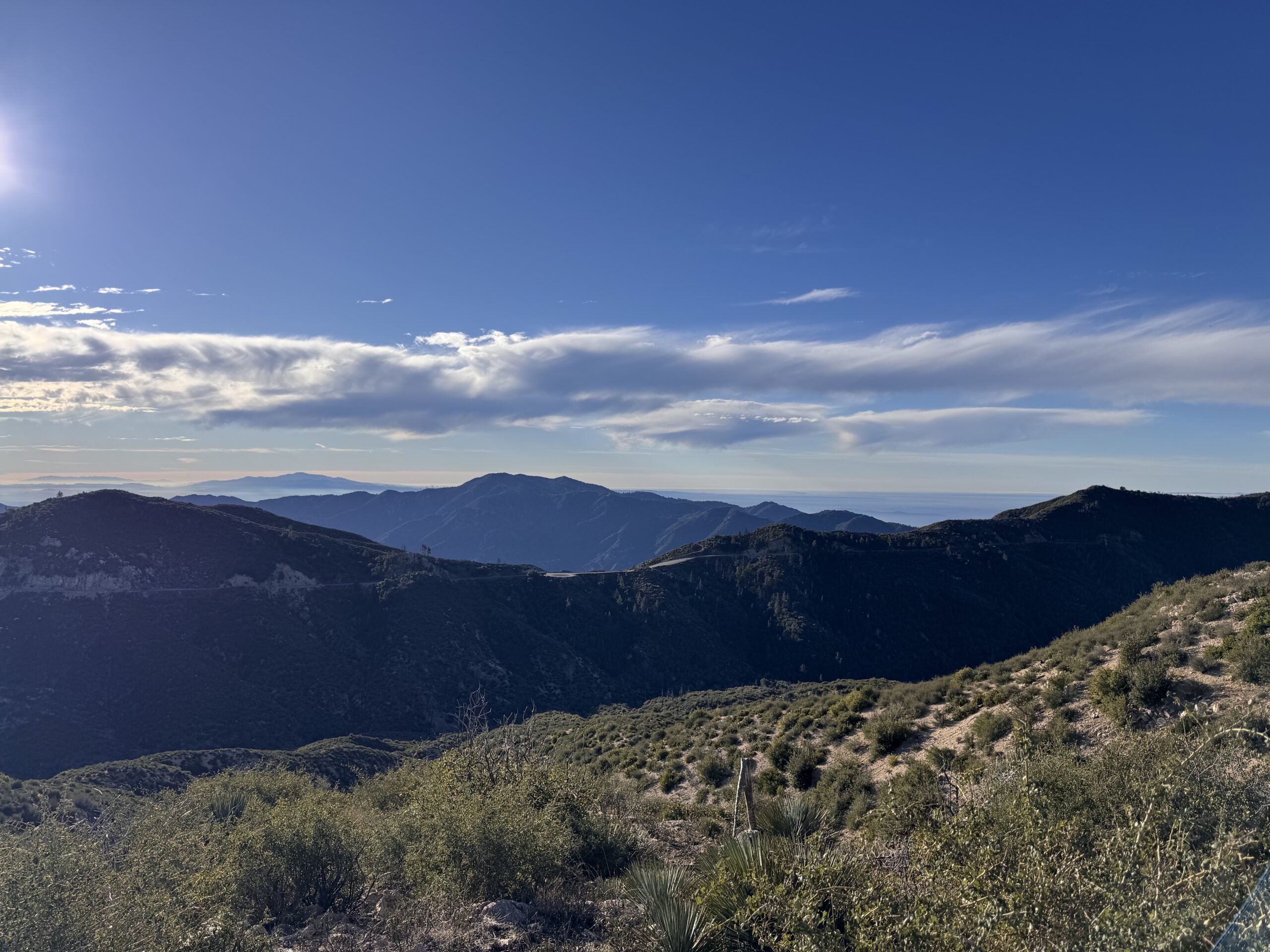
Beautiful day for a hike! A.J. W6CMY joined me for an activation at Vetter Mountain. This site is neat because a fire lookout is at the summit. This lookout burned down in 2009 in the Station Fire but was rebuilt. It’s a tough location for 2m / 70cm, Mt Wilson hides a clear view of the city and most line of sight 2m contacts. We tried some 2m CW for the 2026 SOTA challenge but faced difficulty because signal strengths very very low. I got the Elecraft KH1 out and went to work on 21m. I made all of the day’s contacts there, with one on 18m.
A couple of hikers asked me if I was fishing (referencing the whip on my KH1). Why does every ask that? Anyways… turns out the gal of the group is a second grade teacher and is on a science committee of some kind. I explained ham radio and SOTA. She took my picture and I in that moment didn’t have a great way to offer a way to follow up or get in touch. I’m inspired to have a post on this blog called “What is Summits on the Air?” And having a card or tag someone could take a photo of. Next time!
I had a senior moment towards the tail end of our activation… I was in the sun and decided to move closer to where A.J. was set up. When I got there, I couldn’t find my log book. I went back, couldn’t find it. This really rubbed me because all of the contacts I’d just made were lost. A little butt hurt, I packed up. It was only later I realized that I had logged directly in the KH1’s foldout logbook, as one does with the KH1. The logs weren’t lost, I didn’t even have anything in a logbook. OOPS! I felt like a moron, as one does during moments like this. I shook it off and had a great walk back to the car.
I spotted myself and checked in with my YL all using my Garmin InReach that I got for Christmas this year. What a neat little device! I rarely have cell service at the summit, so being able to spot, get spots, and check in with my family is super valuable. All of the SOTA functionality I use on that device is made possible by a free service called SOTAMĀT, designed by Brian AB6D. It allows for seamless communication to and from the SOTA spotting network all over the Iridium satellite network. Thank you Brian!


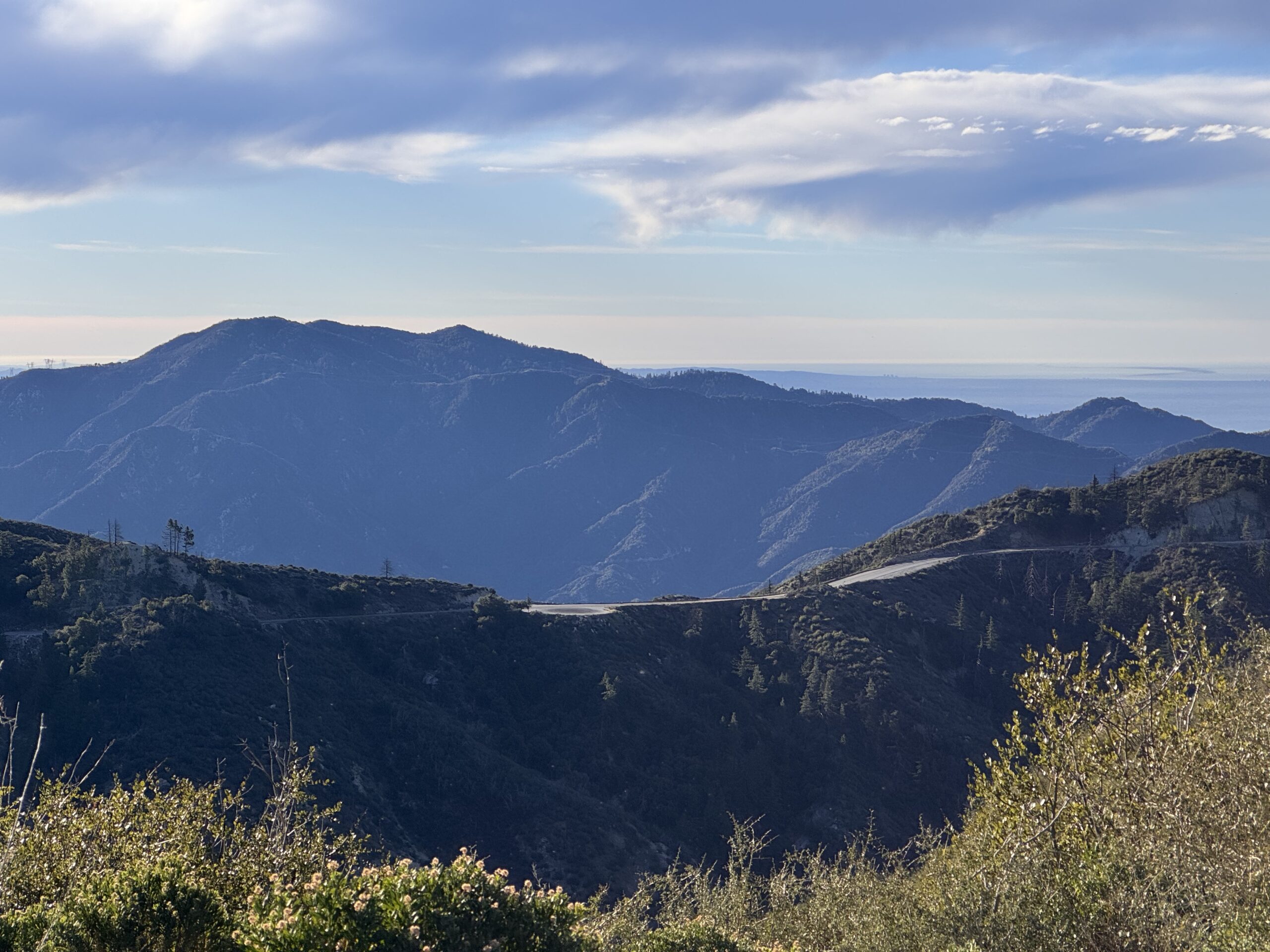

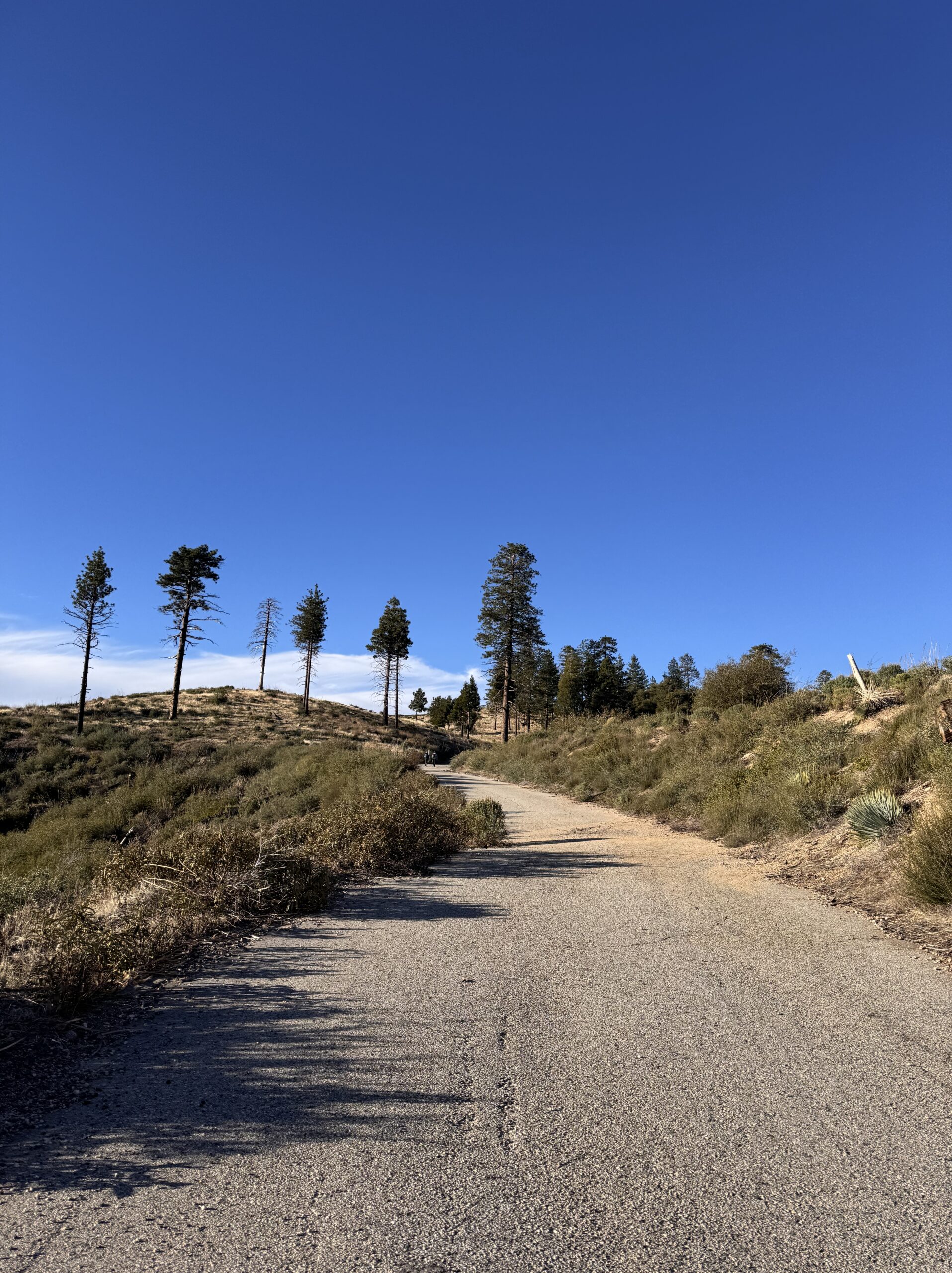
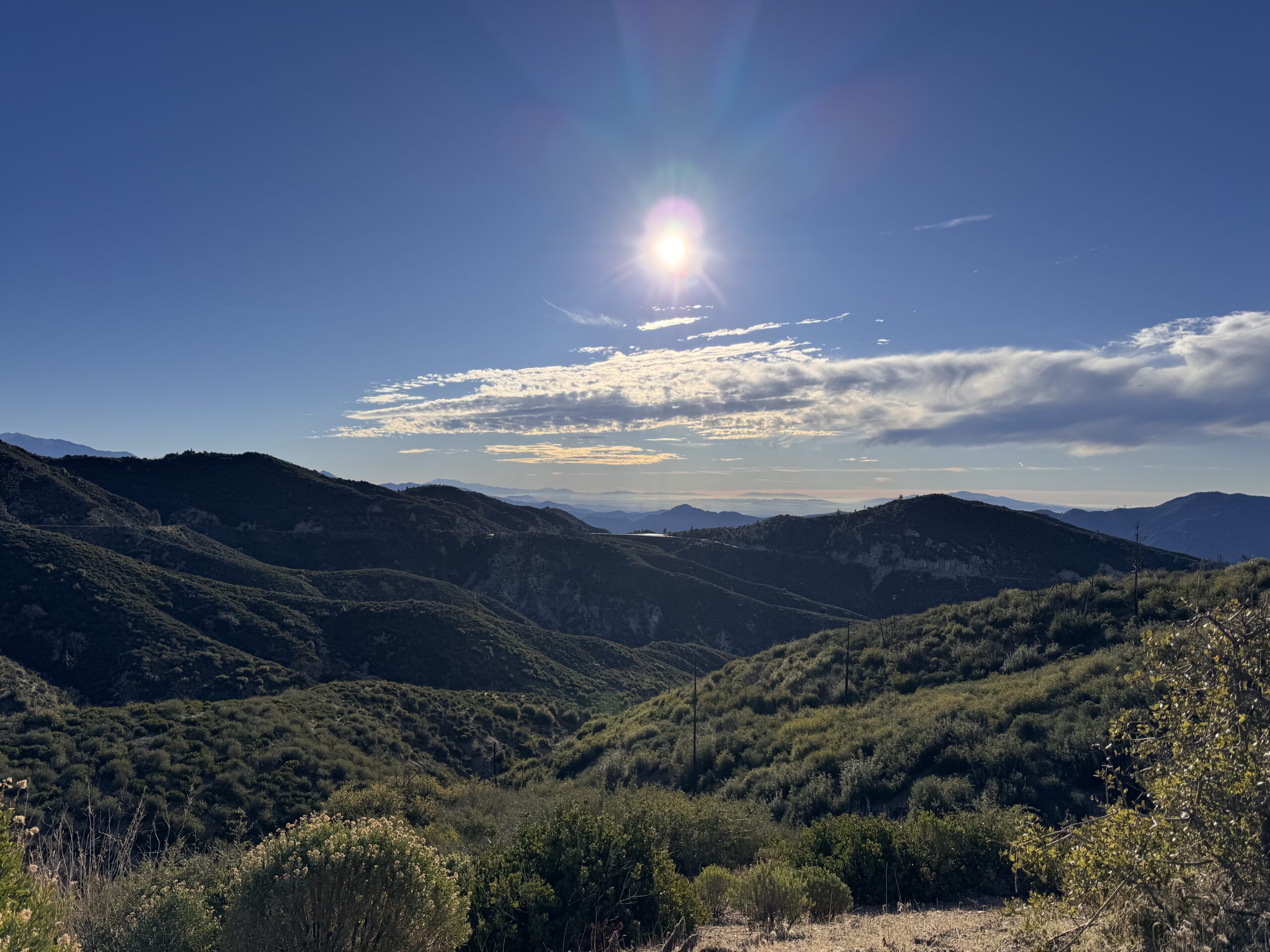
Activation Hike Path
(1h 2m breaks)
How Hike Stats Are Calculated
These figures are derived automatically from your GPX track file.
Hiking Time & Distance
Time and distance accumulated while moving outside the activation zone at a speed above the stationary threshold (default 0.3 km/h). Periods where you were stopped — waiting at a trailhead, taking a break — are excluded and counted separately as Rest Breaks.
Rest Breaks
Stationary periods outside the activation zone lasting longer than the rest threshold (default 3 minutes). Anything shorter is ignored as normal GPS noise or a momentary pause. Rest break time is shown inside the Hiking Time box for reference but is not added to hiking time.
Activation Time
All time spent inside the activation zone, regardless of whether you were moving or stationary. This captures the full period from when you first entered the zone to when you left — including any walking around the summit, setting up gear, and operating.
The activation zone boundary is determined by one of two methods (see below).
Total Time
The elapsed time from the first to the last GPS trackpoint in the file. This equals Hiking Time + Activation Time + Rest Breaks + any unclassified transition time at the boundaries.
Elevation Gain & Loss
The cumulative altitude gained and lost across all trackpoints. Each uphill step between consecutive points adds to gain; each downhill step adds to loss. Out-and-back routes will show roughly equal gain and loss.
Hiking Speed
Average speed calculated as Hiking Distance ÷ Hiking Time. Only moving segments outside the activation zone are included, so rest stops and summit time do not drag the average down.
Peak & Base Elevation
The highest and lowest elevation values recorded in the GPS track. The highest point is also used as the starting reference for the activation zone when the API method is used.
Activation Zone Methods
API-based zone (currently active): The boundary is retrieved from activation.zone using Digital Elevation Model (DEM) terrain data and the official SOTA rule — the zone extends to where the terrain drops 25 metres below the summit. This is the most accurate method and matches what SOTA adjudicators use.
Contact Map
Activation Logbook
My Summit: W6/CT-021
| Date / Time | Callsign | Frequency | Mode | Their Summit | Comments |
|---|---|---|---|---|---|
| January 19, 2026 1747 | KK6MT | 21.065MHz | CW | ||
| January 19, 2026 1749 | W0MNA | 21.065MHz | CW | ||
| January 19, 2026 1750 | W0ERI | 21.065MHz | CW | ||
| January 19, 2026 1751 | KE6EEK | 21.065MHz | CW | ||
| January 19, 2026 1806 | KF7WI | 18.081MHz | CW | ||
| January 19, 2026 1820 | KR7Q | 21.067MHz | CW |

Leave a Reply